
Ready for your training log.
Upload a route-free indoor run with your metrics, lap splits, heart rate, and optional workout note. Turn on automatic sync if you prefer.
Built for the treadmill you already own
Choose what you see. Put it on the TV. Take it with you to Strava or Apple Health—while your workout history stays yours.
Designed for iPhone · No TreadSimple account required
TV ModePut live metrics on an AirPlay TV
Custom screensChoose your metrics, cards, and layouts
Activity ViewHigh-contrast numbers made for motion
Sync & exportStrava, Apple Health, and FIT files
TV Mode with AirPlay
Send a clean, high-contrast dashboard from your iPhone to an AirPlay display. Your live numbers get the big screen while pause, lap, and finish controls stay safely on your phone.
TV Mode requires a compatible AirPlay display. Live updates require TreadSimple to remain foregrounded and awake.
Make it yours
Build an Activity View around the way you train—not the way a generic dashboard thinks you should.
Mix time, lap time, speed, distance, incline, calories, heart rate, zones, and average speed.
Make priority metrics wide or tall, then swipe between as many as five workout screens.
Pick from five subtle animated backgrounds or let your current heart-rate zone color the experience.
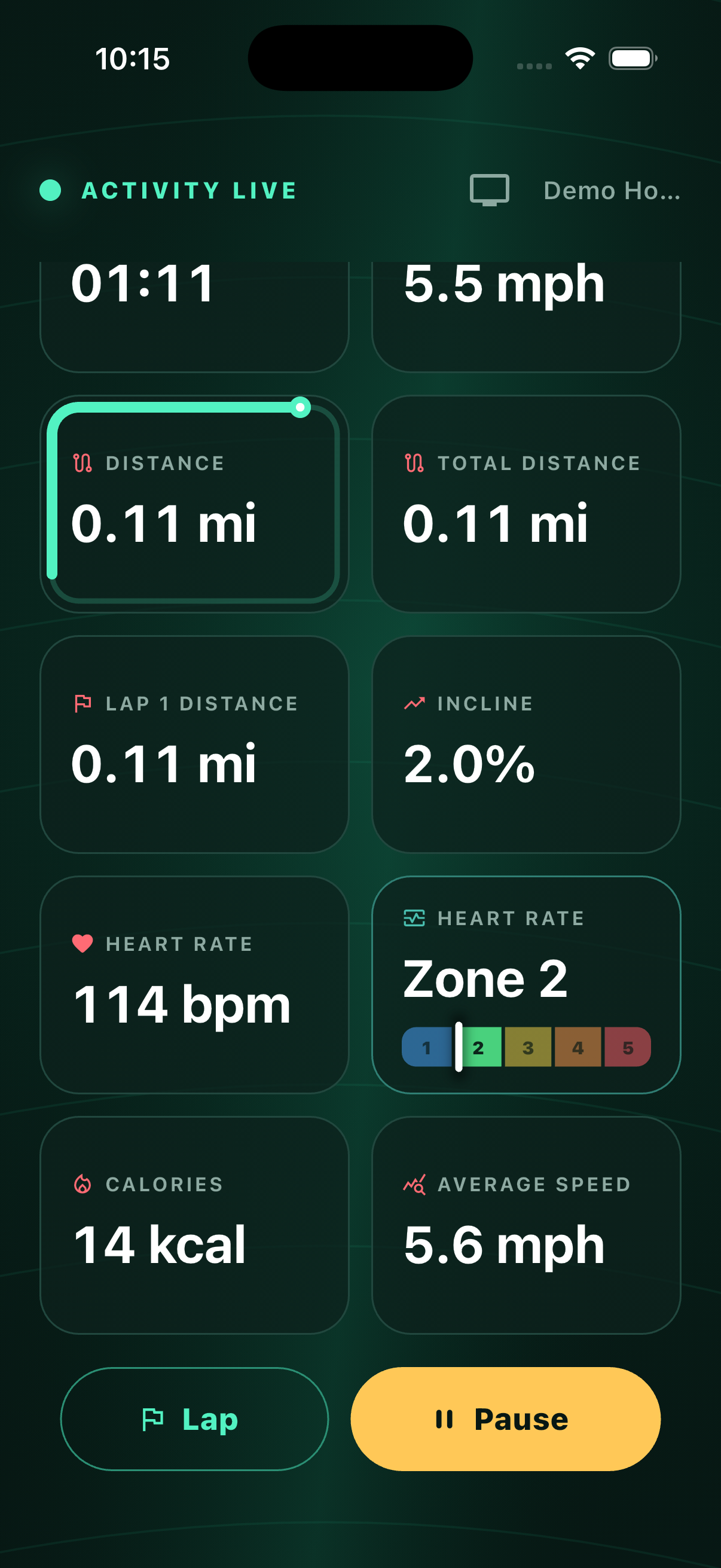
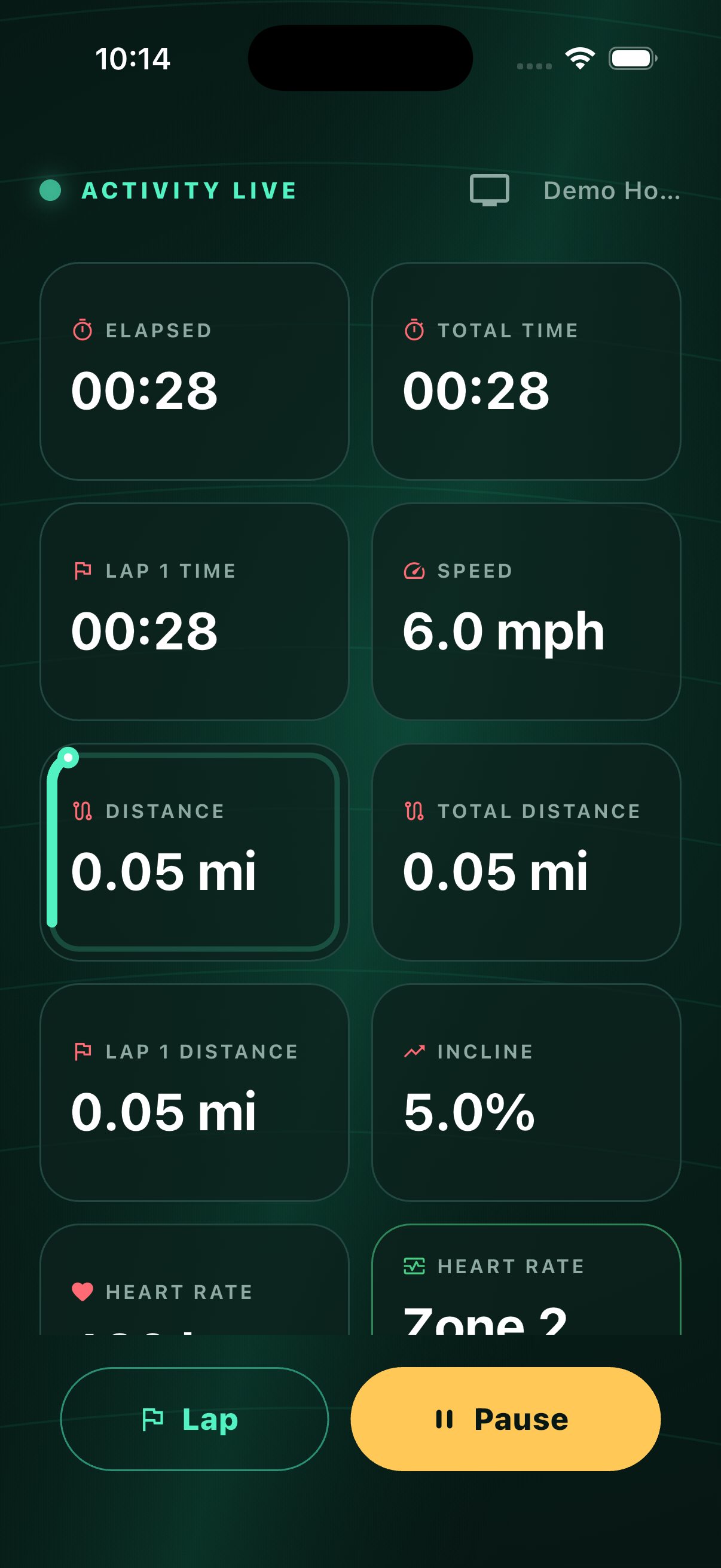
Activity View
Starting a workout opens a glanceable, high-contrast view made for motion. It adapts to portrait and landscape, celebrates each lap, and keeps essential controls within reach.
Live heart-rate zonesUse imported zones, your own boundaries, or athlete-focused defaults personalized by age.
Custom lapsChoose a lap distance, track progress, and review splits before saving.
Lock Screen statusFollow the workout with Live Activities and the Dynamic Island on supported iPhones.
Light, dark, or systemChoose a look that fits your room, your run, or your iPhone settings.
Made to adaptSupports landscape, Dynamic Type, VoiceOver, and Reduce Motion.
Portrait or landscapeActivity View reshapes itself around the way you position your iPhone.
Your run keeps moving
Every completed workout is saved locally first. Review your totals, splits, and optional note—then share it with the services you already use.
Upload a route-free indoor run with your metrics, lap splits, heart rate, and optional workout note. Turn on automatic sync if you prefer.
APPLE HEALTH
Save an indoor run with duration, distance, active energy, and heart-rate samples. The transfer happens on your iPhone.
OPEN EXPORT
Share a standards-based FIT file without fabricated GPS data—one workout at a time, or download your full archive with Pro.
Browse past workouts, open the details, revisit lap splits, retry exports, or delete the data you no longer want.
Simple at every step
Connect to many modern treadmills through the Bluetooth FTMS standard, without being locked to one equipment brand.
Compatibility depends on the treadmill model and its FTMS implementation.Pair a standard Bluetooth heart-rate monitor alongside your treadmill and see BPM, zones, and workout data in one place.
Workouts save incrementally. If a connection drops, TreadSimple works to reconnect without sacrificing the run already recorded.
No social layer, profile building, coaching clutter, or treadmill-control surprises. Just connect, record, review, and save.
Start simple. Make it yours.
Free includes two workouts over five minutes each week, the standard Activity View and TV Mode, local history, individual FIT sharing, Apple Health, and Strava. No core data is held hostage.
Monthly and annual options, with a 7-day free trial for eligible customers.
Privacy, plainly
Secure by design. Simple by default.
TreadSimple has no user accounts and no server-side workout database. Your workout history lives on your iPhone.
Production builds may send limited reliability diagnostics. Routine events exclude workout and heart-rate values, Bluetooth identifiers, and credentials; one bounded treadmill compatibility event is described in the policy.
Read the full privacy policy
Your treadmill has more to show you
Connect. Customize. Run. The rest is up to you.